Bonsai lives between horticulture and sculpture. Most nursery sites treat trees as SKUs — grid-of-cards, filter sidebar, cart in the corner. This one had to treat each specimen like a signed print, with the storefront doing the work of a gallery, not a warehouse.
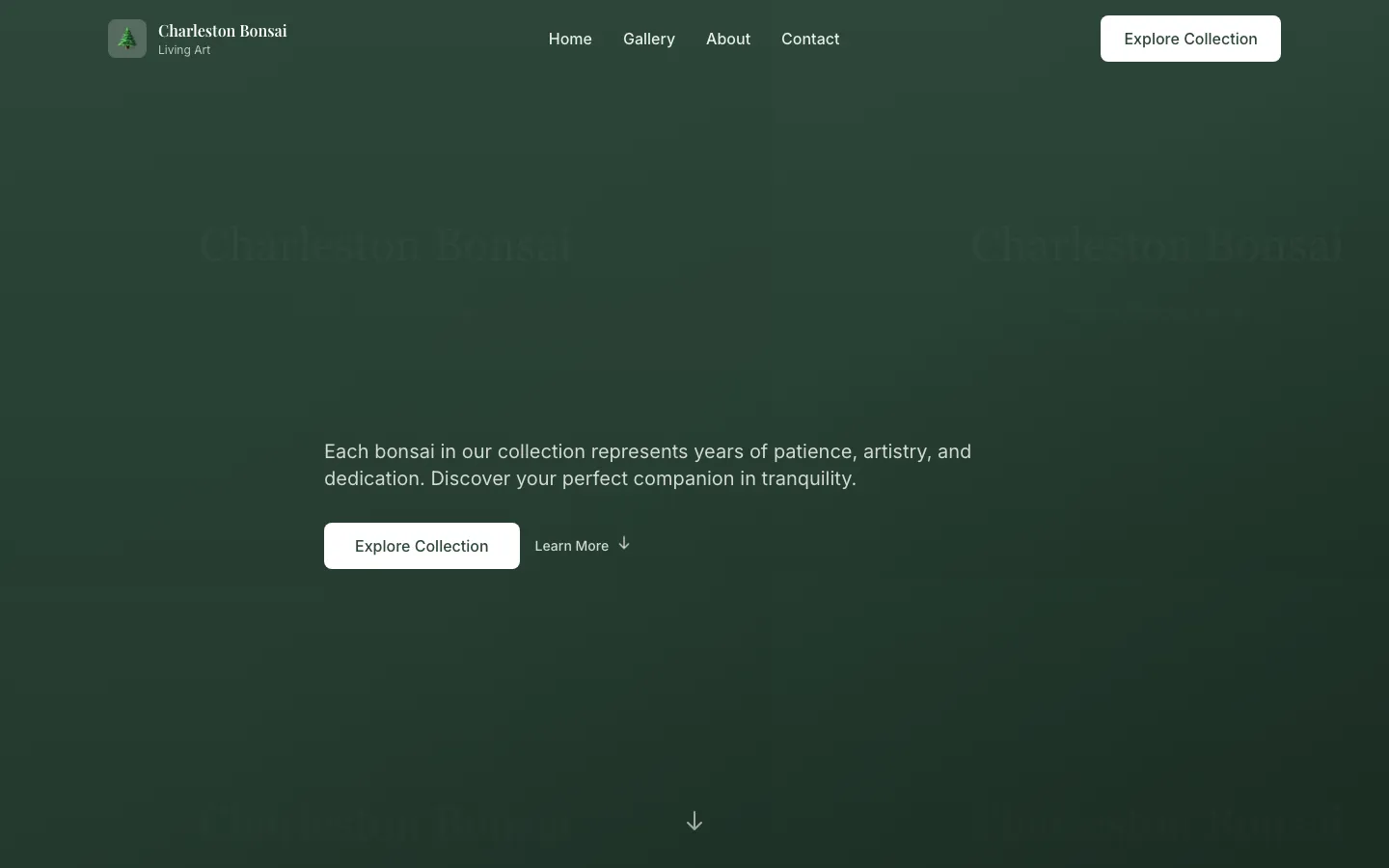
Charleston Bonsai
Each specimen gets a plate
No card grid. Every tree is a full-width editorial plate with its own photograph, age, cultivar, and price sitting at the same level as the botanical name. The reader moves through them like a portfolio of pieces, not a search result.
Cart as afterthought, not centerpiece
No sticky cart, no floating count, no persistent checkout drawer. The cart is a link at the top-right, called "Basket," and it opens on its own page. Buying is the last step of considered browsing, not a compulsion loop.
Photography-first everything
Every page bows to the photograph. Copy is small, deliberate, and never fights the image; the type stack is one family at two weights. The photograph is allowed to be the loudest thing on the screen.
Motion has a job.
Every animation in this project earns a place by telling the reader something they'd otherwise have to guess at.
Specimen turntable
A drag-scrub or arrow-key rotate on the specimen photograph — thirty-six frames, decoded on demand, that lets the reader see the tree the way they'd see it in the greenhouse. Motion here is information, not garnish.
Basket slide-in
Adding a specimen slides the basket confirmation in from the trailing edge with a soft spring; the trigger tile dims and returns. Add-to-cart is a quiet acknowledgement, not a triumphant modal.